The origins of the 3D web
Labyrinth
A proto-VRML browser
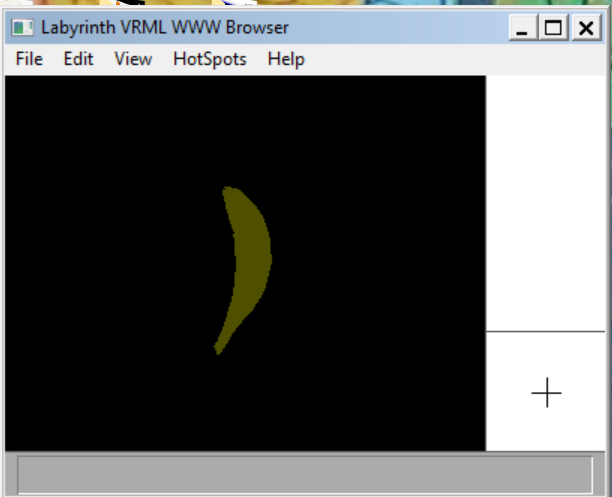
The first 3D browser for the Web
In early 1994, Tony Parisi and I prototyped the very first 3D browser for the World Wide Web. Labyrinth demonstrated that the Web could be more than just text and images: it could be objects, worlds, the metaverse.
I recently discovered a version of Labyrinth on an old website I've maintained since 1994. To my surprise and delight, it still works.
If you'd like to see what the very first steps into a 3D web looked like, you can. You'll need a PC running Windows 10.
One: Install Labyrinth
Historical software from 1995, preserved as originally distributed. ZIP file, 282 KB. SHA-256: 6aa4a2fc6b0a0c672cb5686bca9855ecb2b5c3ef4e1d4d6d32b871efdfeed21b.
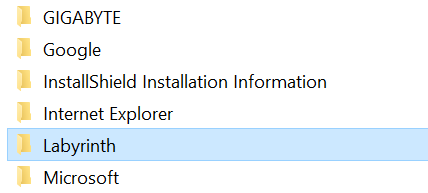
- Create a folder for Labyrinth. The best place to do this is within the
Program Files (x86)directory, but anywhere will work. - Extract the
.EXEfile from inside the ZIP file and put it into that folder. - Rename the file to
LABYRINTH.EXE.
Note: Windows Defender may complain about this .EXE because it is so old that it is not registered. This is preserved historical software; we understand if you would prefer not to install it.
Two: Compatibility settings
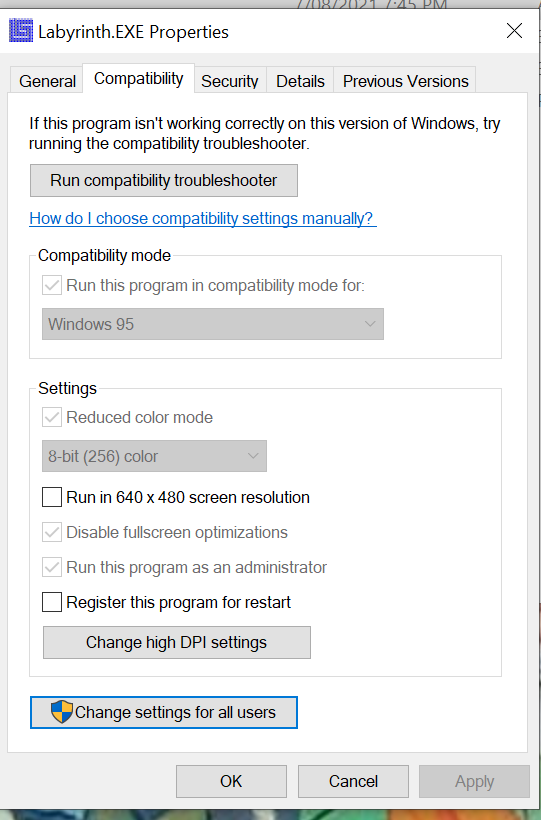
Labyrinth was written for Windows 3.1, but it can run on Windows 10 with the correct compatibility settings. Right-click the .EXE, select Properties from the pop-up menu, then select the Compatibility tab.
- From Run this program in compatibility mode for, select Windows 95.
- Select Reduced color mode, then select 8-bit (256) color.
- Select Disable fullscreen optimizations.
- Select Run this program as an administrator.
- Click OK.
Three: Launch Labyrinth
- Double-click the
.EXEfile. - You should see a dialogue with basic program information. Click OK.
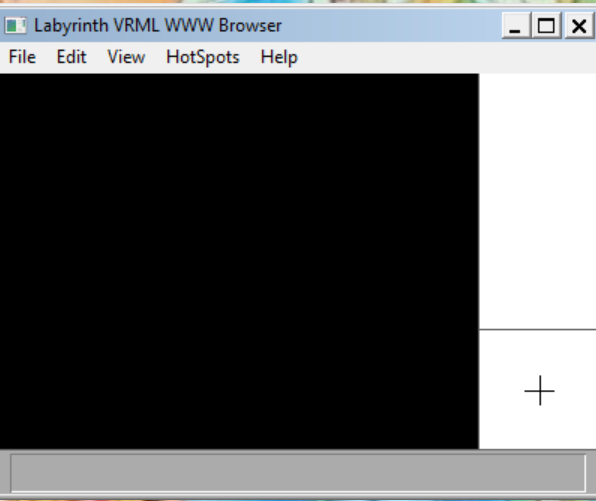
- If all has worked as planned, you should now see the Labyrinth viewer.
If the viewing area is not black, your settings are not correct.
Four: Load the Cyberbanana
The original piece of 3D content is a model of a banana, the Cyberbanana.
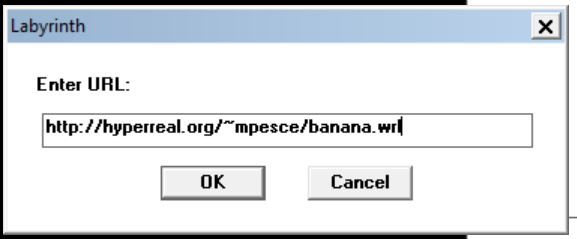
Select File > Open URL, and in the dialogue enter:
http://hyperreal.org/~mpesce/banana.wrl
Click OK.
Five: Explore the 3D Web
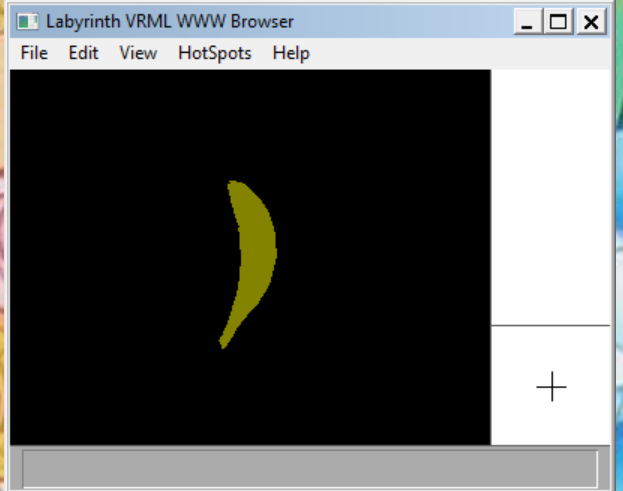
If all has worked, you'll see the Cyberbanana rendered within Labyrinth. Congratulations: you're now exploring the origins of the 3D web.
Use the crosshairs in the lower-right corner to navigate. Be warned: today's computers are hundreds of times faster than they were in 1995, so the navigation is very quick. If you lose sight of the Cyberbanana, select View > Restore from the menu.
If you'd like to create your own proto-VRML content, read the original specification document.
Enjoy!
Thanks
Big thanks to Tony Parisi, Servan Keondjian and Kate Seekings, Paul Strauss and Gavin Bell (Andresen), Peter Kennard and Owen Rowley, Brian Behlendorf, Rikk Carey, and all the other folks who helped bring VRML to life.